DIY vs. Done-For-You AI Business Automation

The Question Nobody Asks Until It's Too Late
Here's something counterintuitive: the businesses that struggle most with AI automation are rarely the ones that don't try it. They're the ones that try it wrong — burning three months and thousands of dollars building systems they could have bought ready-made, or paying consultants $8,000 to configure a tool that has a free 20-minute tutorial on YouTube.
AI business automation is genuinely transformative for day-to-day operations. But the path you take to get there matters enormously. "Just pick whatever's cheaper" is, in practice, the most expensive strategy of all.
This guide cuts through the noise. Whether you're a solo operator eyeing no-code automation for the first time, a small team drowning in repetitive tasks, or a growing company evaluating professional AI workflow setup — here's how to make the right call without second-guessing yourself six months later.
What DIY AI Automation Actually Means
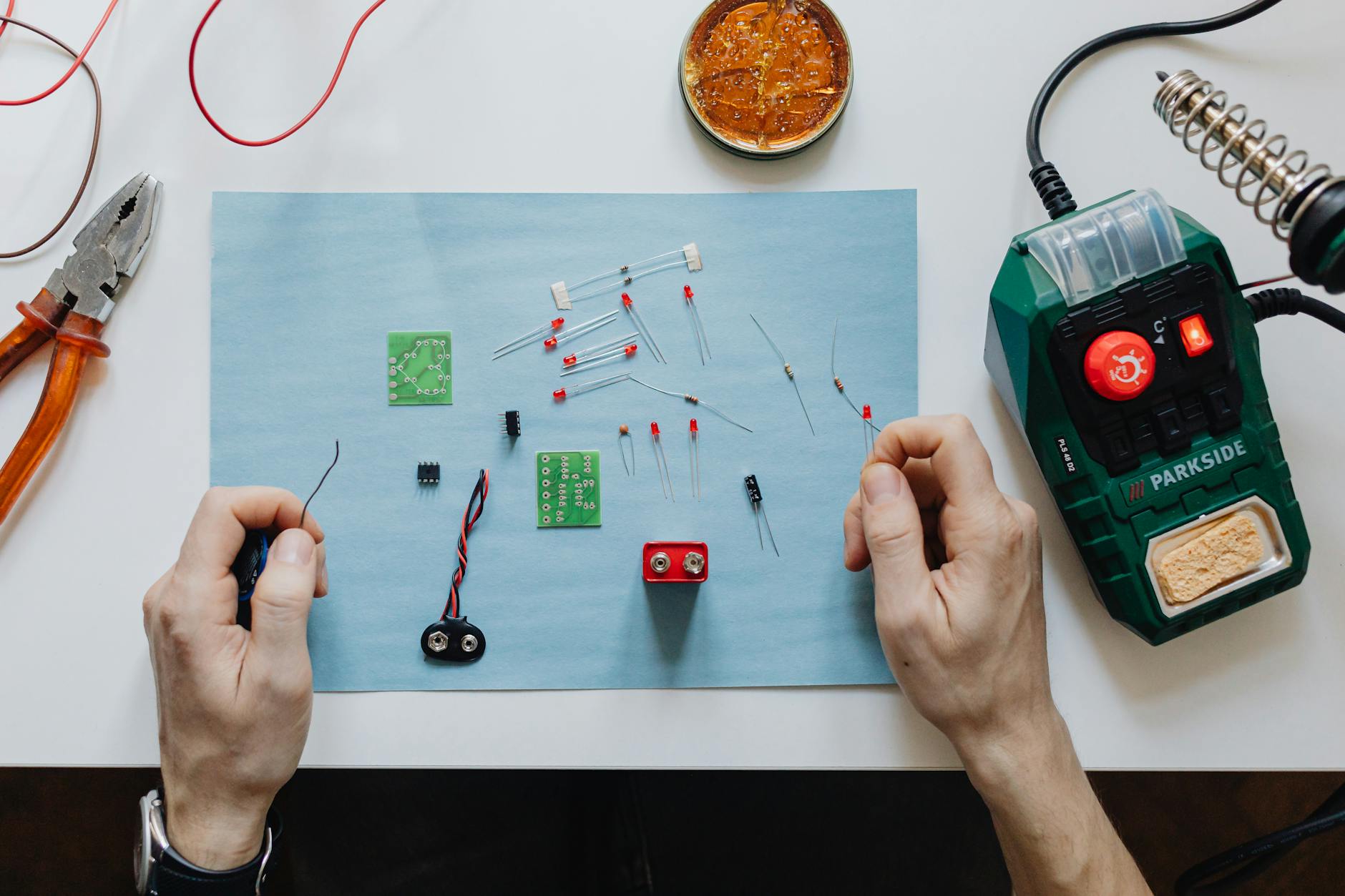
DIY doesn't mean building everything from scratch. It means you're the one making the decisions, doing the configuration, and maintaining the systems.
Modern automation tools for beginners have made self-service genuinely accessible. Platforms like Zapier, Make (formerly Integromat), and n8n handle the heavy lifting of connecting apps together. AI-enhanced versions of these tools can now parse natural language, classify customer inputs, summarize documents, and trigger intelligent follow-up sequences — all without writing a single line of code.
A realistic DIY stack for a small business today might look like:
- n8n or Make for workflow orchestration
- OpenAI or Claude API for intelligent content processing
- Airtable or Notion as a lightweight data layer
- Slack or email for output delivery
Total monthly cost: $50–$200 depending on usage volume. Setup time: one weekend to four weeks, depending on complexity and how many edge cases you hit along the way.
That's genuinely powerful. But there's a gap between "technically possible" and "reliably working in production." That gap is where most DIY efforts either stall or succeed.
The Hidden Costs of Going It Alone

DIY automation has a hidden tax: your time and your expertise ceiling.
You can absolutely build a customer support triage system using AI on a no-code platform. But what happens when the AI starts misclassifying tickets? What do you do when an API update silently breaks your workflow at 2 AM on a Tuesday before a product launch?
Many practitioners find that the first automation they build takes three times longer than estimated. Not because the tools are poorly designed — most modern AI productivity tools are genuinely well-built — but because edge cases are invisible until they bite you. You build the happy path, ship it, and then discover the workflow doesn't handle emails with attachments, or that your CRM occasionally returns null values that crash the entire sequence.
In practice, what actually happens is this: someone builds an automation that works beautifully for two weeks, then breaks in a way that's hard to diagnose without understanding the underlying system. If you don't have the patience and curiosity to troubleshoot that — or a team member who does — the automation quietly fails, no one notices for a while, and trust in the whole project erodes.
This isn't a knock on DIY. It's a calibration. The people who succeed with self-built automation share a few consistent traits: they're comfortable with light technical troubleshooting, they document their systems as they build, and they treat version one as a prototype rather than a finished product.
If that description fits you, DIY is absolutely the right path. If it doesn't, keep reading.
Done-For-You: What You're Actually Paying For

Done-for-you (DFY) AI automation services typically charge $1,500 to $15,000+ for initial setup, with ongoing retainers ranging from $500 to $3,000 per month. That's a significant number. So what actually justifies it?
Three things.
Speed to results. A competent DFY provider can have a working system live in two to four weeks. The DIY equivalent might take three months — and those months carry real opportunity cost. If your team is spending 20 hours per week on tasks that could be automated, that's $2,000–$4,000 in labor per week going to waste while you learn the tools. The math changes fast.
Error avoidance. Business process automation failures aren't just inconvenient — they can be expensive. A misconfigured data sync can corrupt your CRM records. An AI classifier that misfires can quietly tank your sales pipeline for weeks before anyone notices. DFY providers have built — and broken — enough systems to know where the landmines are buried.
Custom integration depth. Off-the-shelf no-code platforms cover roughly 70% of what most businesses need. The remaining 30% — custom API calls, legacy system integrations, complex conditional logic — typically requires someone who can write actual code. DFY agencies bring that capability.
A concrete example: according to a case study cited in the Interceptly AI blog, a growing e-commerce company attempted to build their own AI-powered customer service routing system using a no-code platform. After six weeks and one failed launch, they brought in a DFY agency. The agency rebuilt and launched the system in three weeks — with significantly higher routing accuracy, because they implemented a custom classification layer rather than relying on a generic prompt.
That outcome wasn't because the DIY tools were bad. It was because the business underestimated the gap between a working prototype and a production-grade system.
The Counterargument Worth Taking Seriously

Some argue that the inherent complexity of AI workflow setup means most businesses should default to DFY services. Skip the learning curve, get results faster, and focus on your actual business. The logic sounds reasonable.
But here's why that argument misses the point for a lot of companies.
First: ownership. When an outside agency builds your automation infrastructure, the knowledge lives with them. If they become unavailable, raise their rates sharply, or simply don't exist in three years, you're holding a system you don't understand and can't maintain. A DIY system you built yourself can be debugged, modified, and expanded — by you, or by anyone you hire and train.
Second: structural incentives. DFY services have a natural incentive — not malicious, just structural — to build systems that need them. A simple no-code workflow you manage is uncomplicated. An "enterprise AI infrastructure" requiring quarterly optimization calls is not. But it's more billable. That dynamic doesn't always lead to bad outcomes, but it's worth being clear-eyed about.
Third: the learning curve has compounding value. Understanding how your automation tools actually work makes you a smarter decision-maker about what to automate next, what to buy, and what to skip. Businesses that develop internal automation literacy consistently make better technology investments over time. Businesses that outsource everything tend to remain dependent.
DFY is not inherently better than DIY. It's better for specific situations. The goal is identifying which situation you're actually in.
A Practical Framework for Making the Call

Forget generic pros-and-cons lists. Here's how to decide based on what actually matters in practice.
Choose DIY if:
- At least one person on your team is comfortable with technical tools (a developer isn't required — just someone who isn't intimidated by an API documentation page)
- Your automation needs are standard: email triggers, data syncing, simple AI text processing
- You can invest 40–80 focused hours upfront for setup and testing
- Long-term ownership and fast iteration matter more than speed of initial launch
- Budget is genuinely tight — a DIY stack under $200/month is realistic
Choose DFY if:
- Your process involves complex logic, legacy systems, or custom code requirements
- Your entire team is non-technical and has no interest in becoming technically literate — and that's fine, it's a real constraint
- Speed to launch is the priority and the opportunity cost of delay is measurable
- The process you're automating is revenue-critical and errors would be costly
- You've already attempted DIY and hit walls you cannot get past
A middle path that often gets overlooked: hire a DFY provider to build version one, with an explicit contract requirement that they document everything in plain language and train your team to manage it independently. You pay for expertise upfront but retain ownership going forward. Honestly, this approach works better than most people expect — the investment is justified by knowledge transfer, not just the delivered system.
Starting Without Getting Stuck

Regardless of which path you choose, a few principles consistently separate successful automation projects from expensive ones.
Start with one process. The businesses that succeed pick a single, high-repetition task and automate that first. One email routing workflow. One weekly report. One client onboarding sequence. Success with one thing builds the confidence and institutional knowledge to tackle the next.
Document before you automate. If you can't describe a process in plain English — inputs, outputs, decision points, exceptions — you are not ready to automate it. Write it out first. Automate second. This step is skipped constantly and causes a disproportionate share of automation failures.
Measure before and after. Know how long the manual process takes, how often errors occur, and what it costs in labor. Measure the same things post-automation. This is how you know whether the system is working or just creating different problems.
Expect iteration. The first version of any AI workflow setup is a prototype. Ship at 80% confidence and improve from there. The teams that wait for perfection before launching usually don't launch at all.
Which Path Is Actually Right for You?

The DIY vs. DFY question is ultimately about where you want to invest — time and learning, or money and speed. Neither answer is universally correct.
What is universally true: half-measures fail. Committing to DIY means actually learning the tools, not just tinkering until you hit your first wall and giving up. Committing to DFY means vetting providers carefully, demanding documentation, and refusing to become dependent on systems you fundamentally don't understand.
AI business automation is no longer reserved for companies with full engineering teams. The tools are accessible, the use cases are well-documented, and the barriers to entry are lower than they've ever been. The only remaining obstacle is picking the right entry point for where you actually are — and then committing to it fully.
Start with one process. Measure what changes. Build from there.